EdgeClear
is now on TradingView
Your Insight.
Your Entry.
Your Insights. Our Innovation.
Top-Tier Rewards.
At EdgeClear, we value the voice of the community. Share your experience and level up your charting setup. We’re giving away
15 monthly Plus and 1 Annual Premium ($720 value!) TradingView Subscription each month to help you trade with a professional edge.
*Monthly Drawing: Each month, the winners will be randomly selected and will be notified by email. Limit of one entry per person or household. Participants will remain eligible for future drawings as long as their account stays funded. Promotional period ends September 30th, 2026.
How to Participate:
- Open an Edge Clear Account: Open an account with us and start trading with our tools and elite infrastructure. Minimum $500 starting account balance.
- Existing Clients: If you already have an account with us, simply skip to the next step.
- Leave a Review on TradingView: We want to hear from you and learn from your experience with us.
- Once you have complied with both requests, kindly confirm your participation.
Streamlined Trading Experience
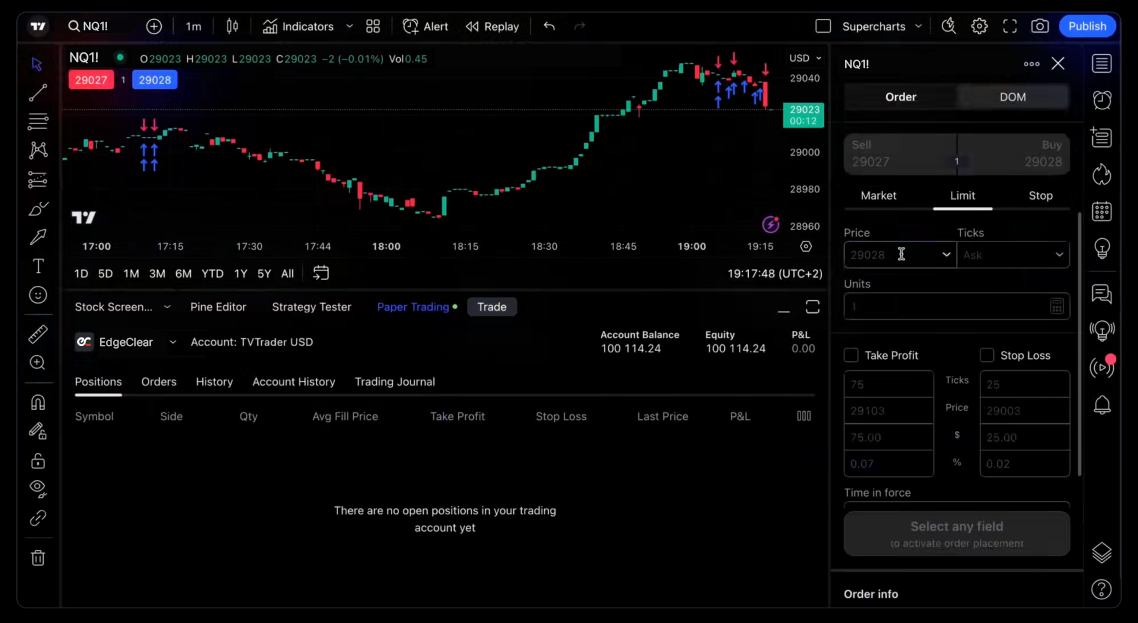
Key TradingView features

Advanced charting

Advanced technical analysis

Unmissable alerts

Powerful analytical suite

Strategy tester

Pine ScriptTM language
Set up EdgeClear on TradingView
Quick Start Guide
Getting started with EdgeClear on TradingView is easy and straightforward:
- Log into TradingView: Open your TradingView account, or sign up if you’re a new user.
- Find EdgeClear: Navigate to the broker panel and select EdgeClear from the list of available brokers.
- Connect Your Account: Follow the prompts to connect your EdgeClear account. If you need help, visit our detailed setup guide
- Start Trading: With your accounts linked, you’re ready to take advantage of both platforms’ powerful features.
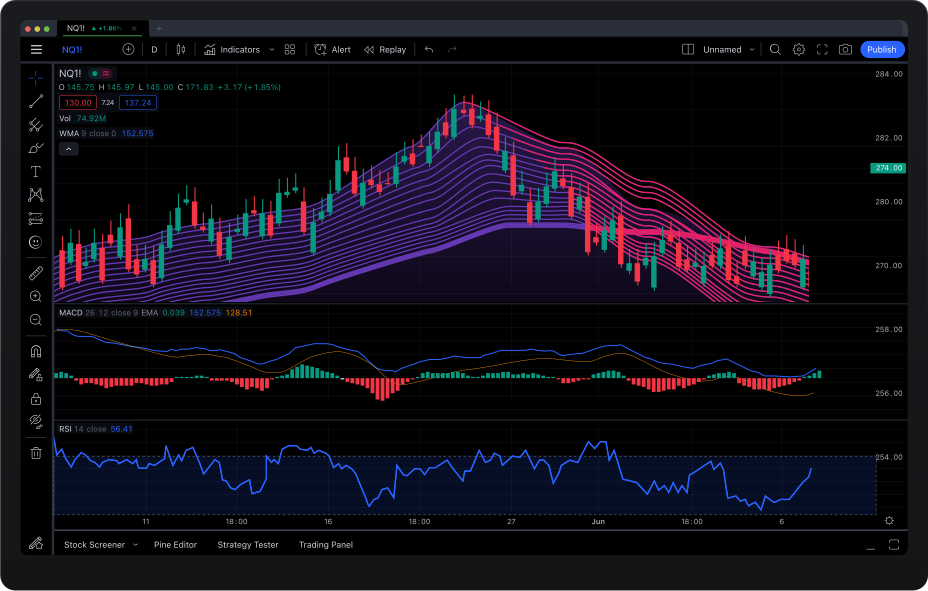
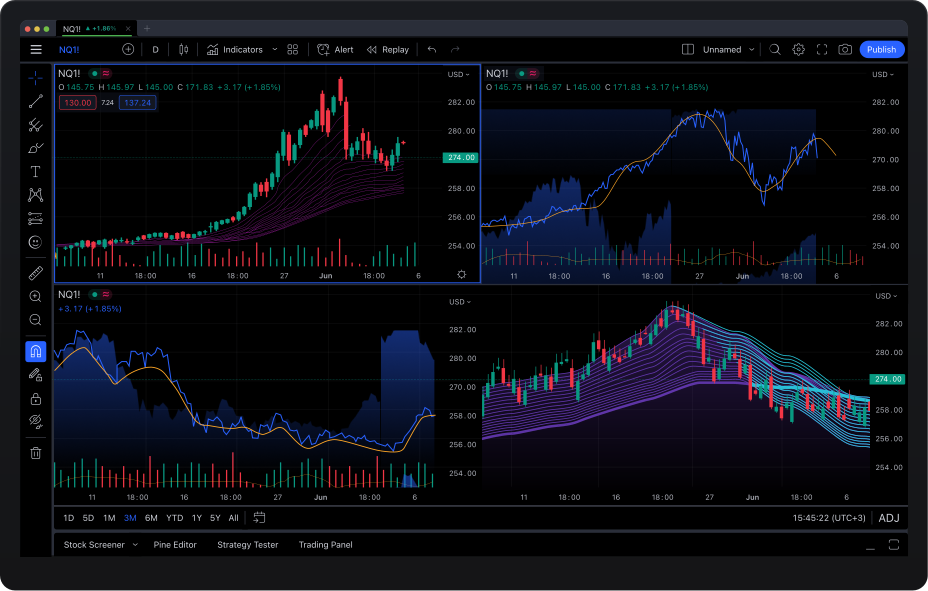
TradingView desktop app
Enhance your experience with additional features of the powerful desktop application.
- 100% synchronization with the browser version.
- Configure your charts across multiple displays.
- Expanded workspace size for better analysis.
- Link several tabs with the same symbols.